Get started
Install, sign in with your mobile number, start talking. About a minute.
1. Install
Same Pihu on every device.
Android
Chrome · 15 seconds
- Open this page in Chrome
- Tap at the top right
- Tap Install app, then Install
iPhone and iPad
Safari · 15 seconds
- Open this page in Safari
- Tap Share at the bottom
- Tap Add to Home Screen, then Add
Computer
Chrome or Edge · 10 seconds
- Open this page in Chrome or Edge
- Click at the right of the address bar
- Click Install
No install needed? Open Pihu in your browser
2. Sign in
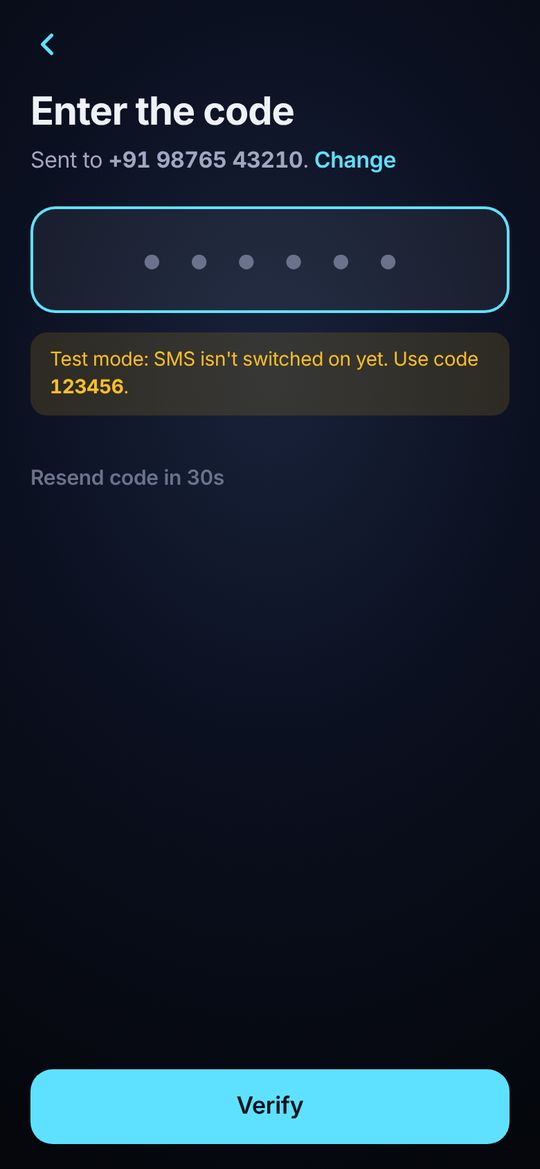
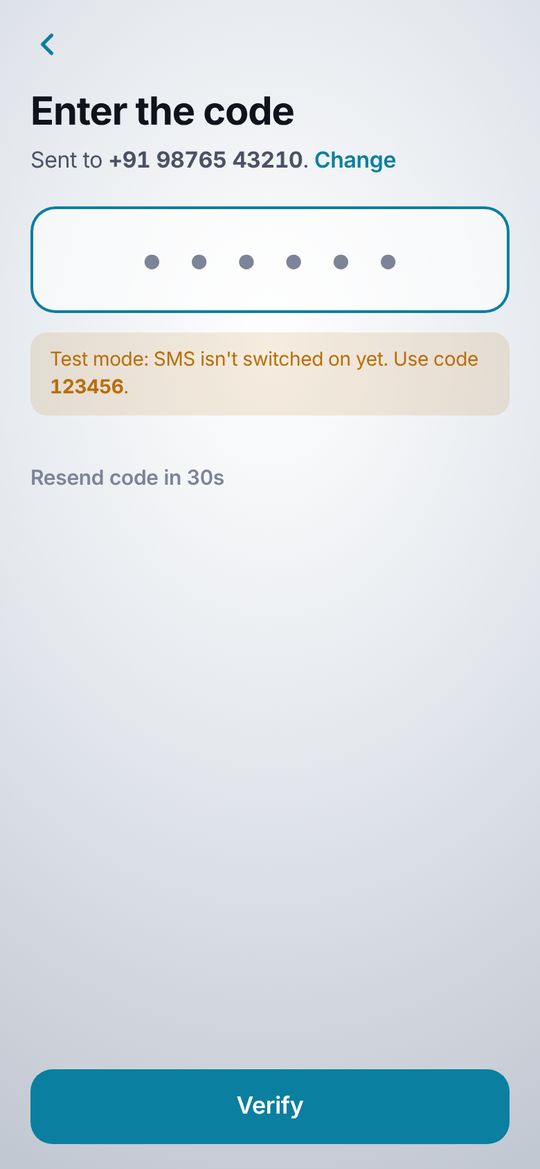
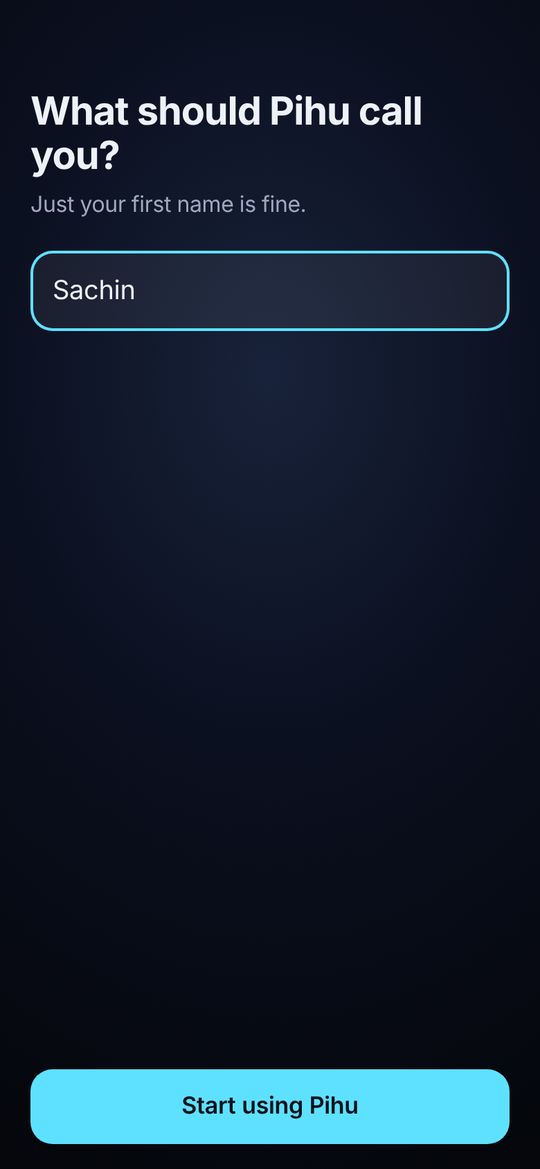
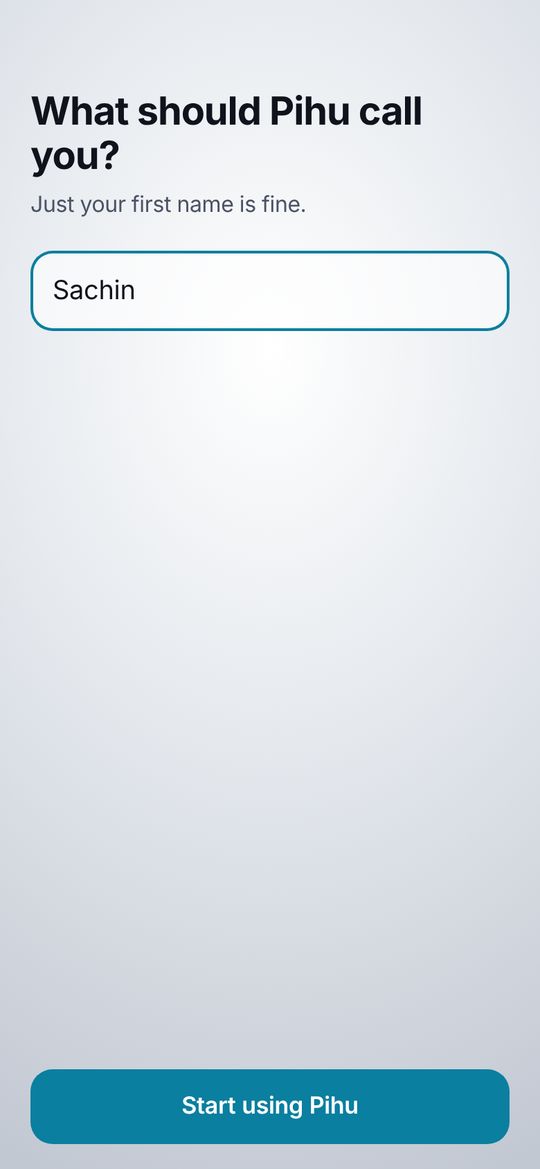
Like WhatsApp. Your mobile number and a code. Email is optional.
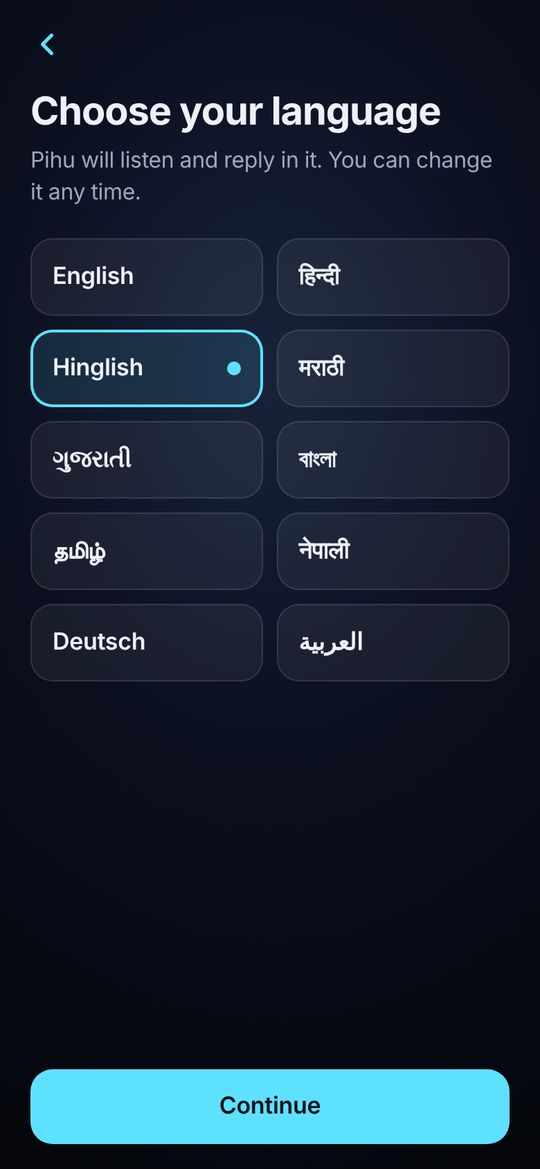
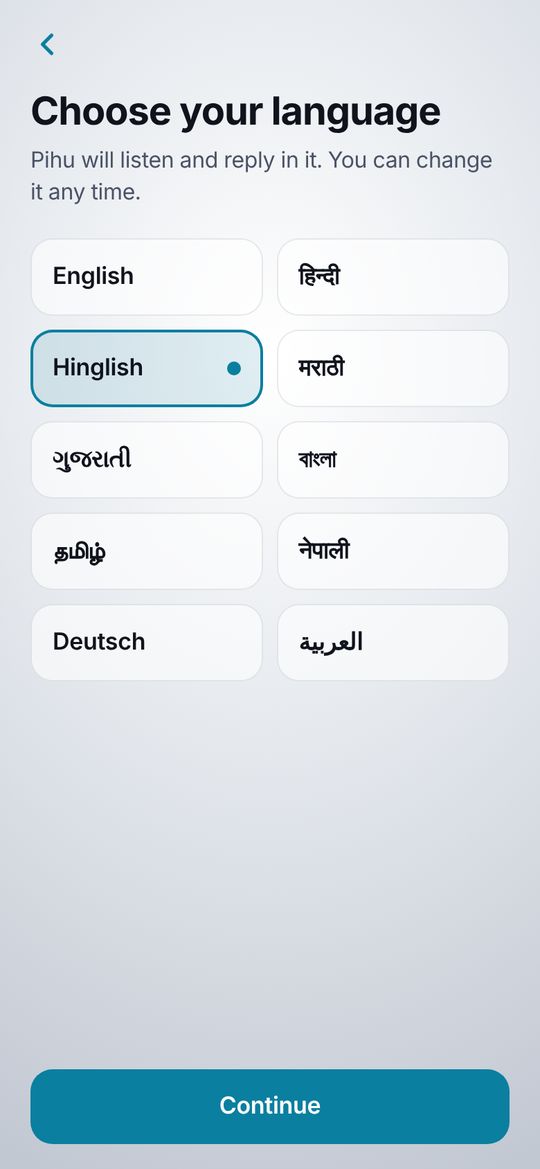
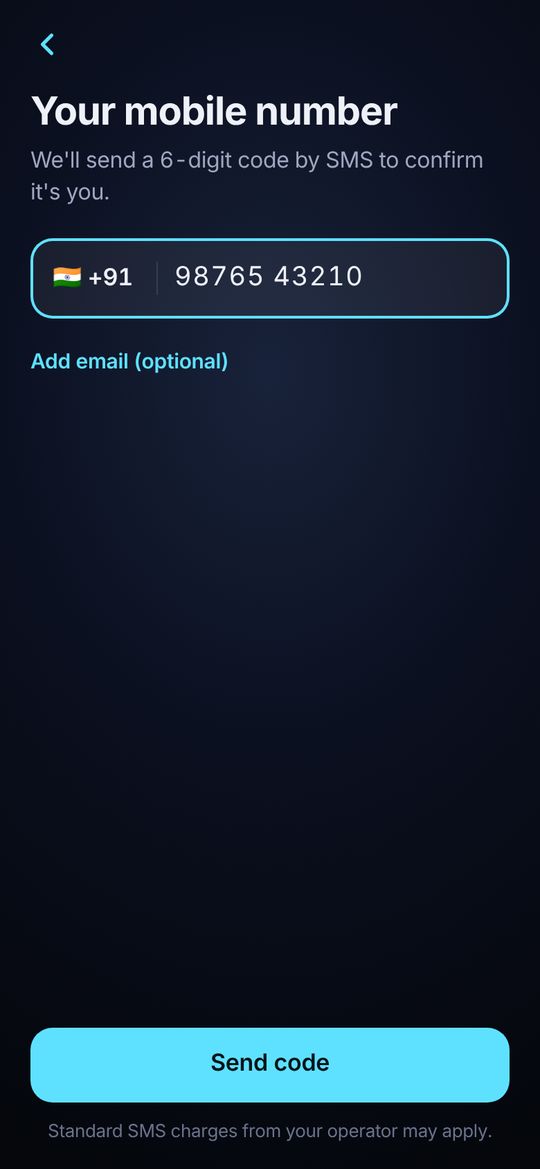
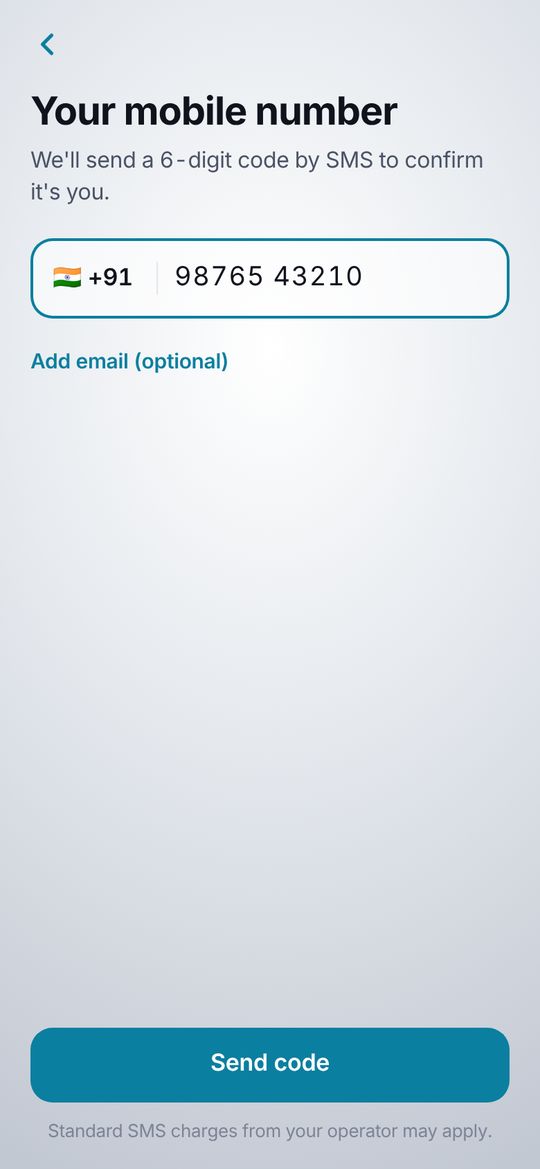
3. Tap the mic and say
Pihu answers out loud. For payments and messages she shows a button first. Nothing happens until you tap it.
Your own data
Pihu starts with sample data. Connect your own when you're ready.
Connect your Google Sheet
Once, about 10 minutes. A laptop is easiest.
- Open sheets.new, then Extensions → Apps Script.
- Paste the Pihu script, save, choose
setupFresh, tap Run. - In Project Settings → Script Properties, add
PIHU_TOKENwith a secret code. - Deploy → New deployment → Web app, access Anyone. Copy the link.
- In Pihu: Settings → Business data. Paste link and code, tap Connect.
Smarter answers (optional)
Get a free Gemini key at aistudio.google.com/apikey, add it in the sheet's Script Properties as AI_KEY, then choose Settings → AI brain → Through my Google Sheet. Your key stays in your Google account.
Help
I can't see “Install app”
Open the link in Chrome (Android) or Safari (iPhone). Links opened inside WhatsApp or Instagram can't install apps: tap ⋮ and choose Open in Chrome, or copy the link into Safari.
I didn't get the SMS code
Wait 30 seconds and tap Resend code. Check the number and your signal.
The mic isn't working
Allow the microphone when asked. If you said no: tap the lock icon next to the address, then Permissions → Microphone → Allow. You can also type in Chat.
How do I change the language?
Say “switch to German” or “Hindi mein baat karo”, or open Settings → Language.
Is my money safe?
Pihu never pays on her own and never sees your PIN, card or bank password. Every payment opens your own UPI app for you to approve.
Light screen?
Website: Menu → Appearance. App: Settings → Appearance → Silver.